Your monthly deck, from one sentence.
“Make the monthly review slides.” Pilot delivers slides ready to present, with your real numbers, in one of its 94 templates. You edit, you present, you export.
Numbers read from your accounts, and the source under every chart.
- Meta
- Google Ads
- TikTok



In five steps
Ask
One sentence in Pilot's chat.
Pick the style
94 templates, and your numbers stay put.
Edit
One click on a text, and it's yours.
Present
Full screen, with your notes out of the room's sight.
Export
PDF, PowerPoint or Google Slides.
Switch styles in one click
Lumio's October review, rendered by Pilot in six of its 94 templates. Pick a style, flip through the nine slides, then start the full-screen presentation.
October monthly review
Template: Affiche · 1 / 9
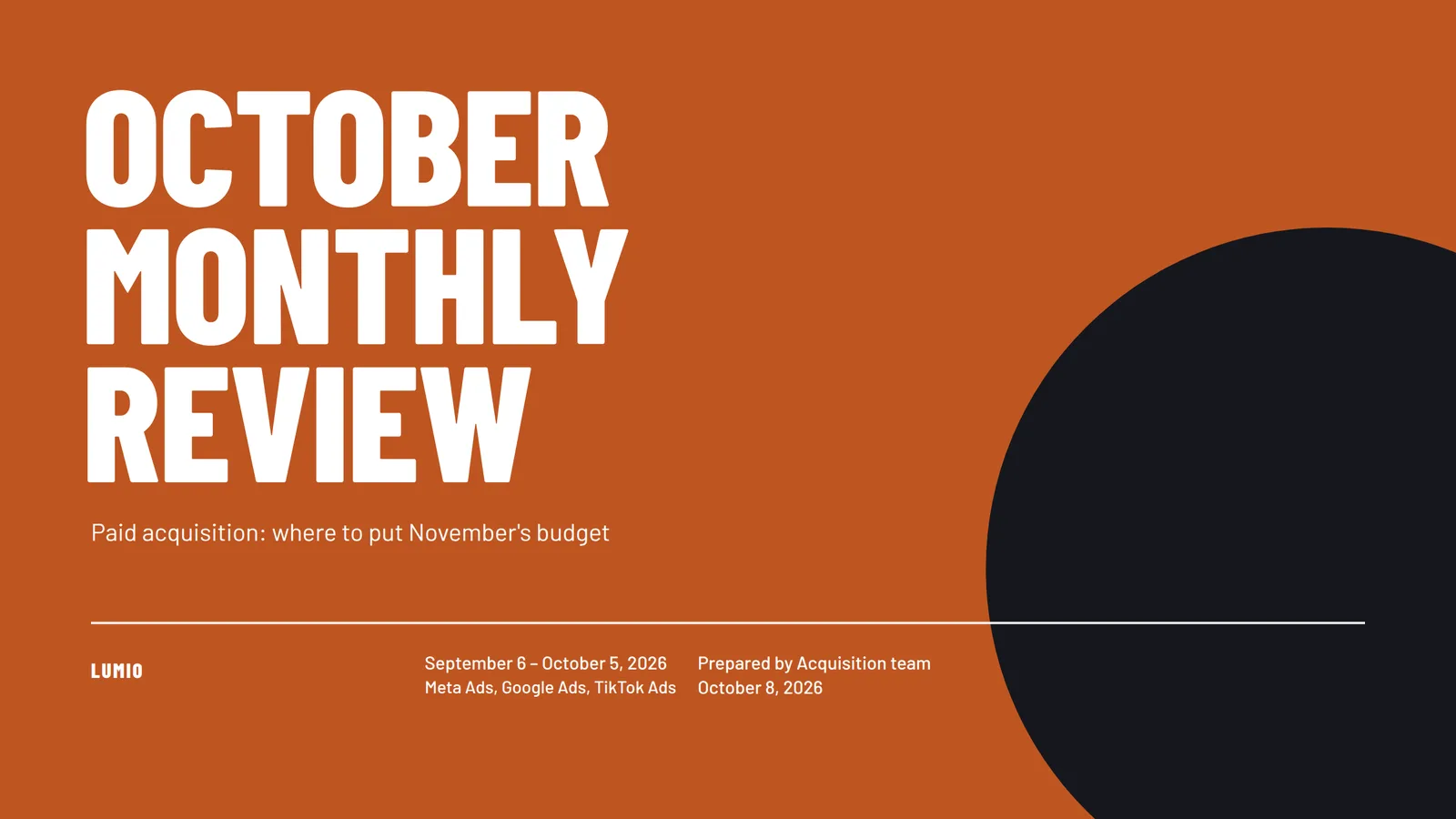
Changing templates never touches the content: titles and numbers stay the same. These are the slides Pilot renders.
The same deck, fifteen families, 94 templates.
Sober, editorial, bold, data, tech, playful or luxury: pick a template, and Pilot lays out your numbers in it. Your agency template can be imported too, from PowerPoint or Google Slides.
15 families · 79 variations
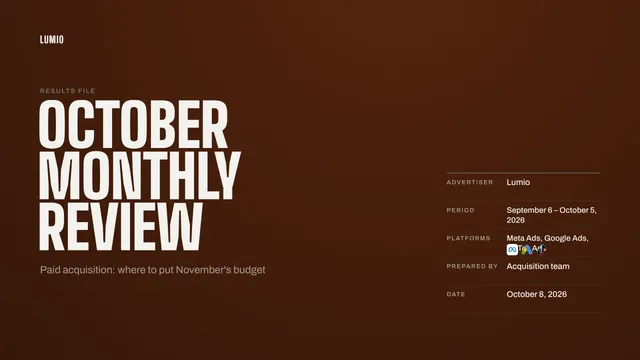
Palmarès

Affiche
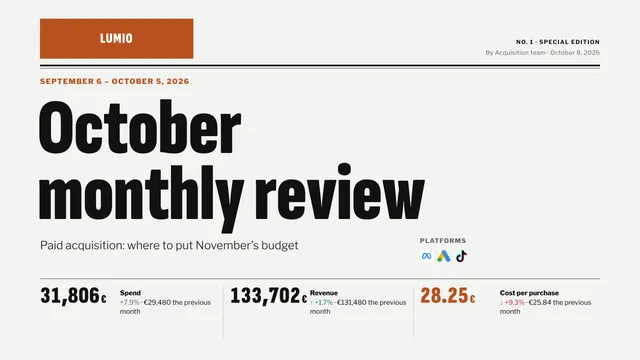
Une
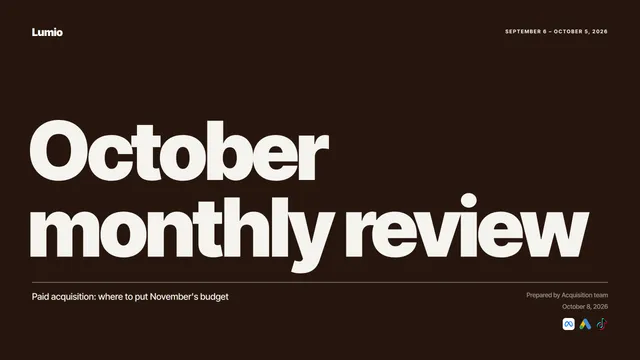
Manifeste

Pop
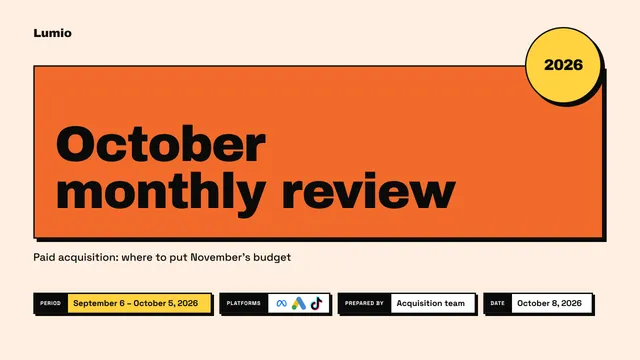
Brut
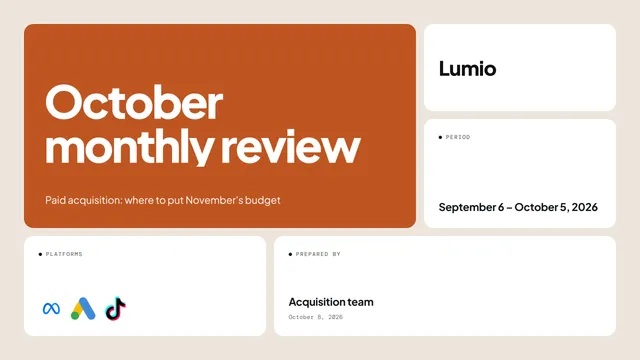
Mosaïque

Atelier
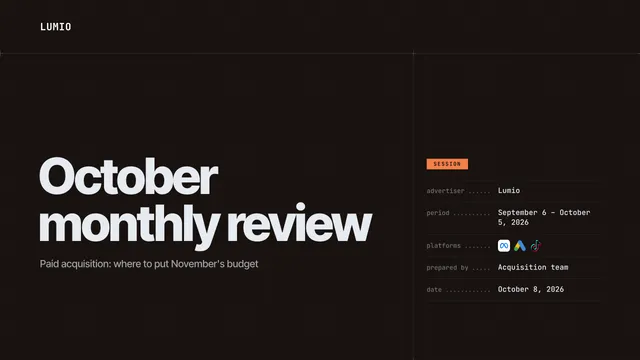
Console
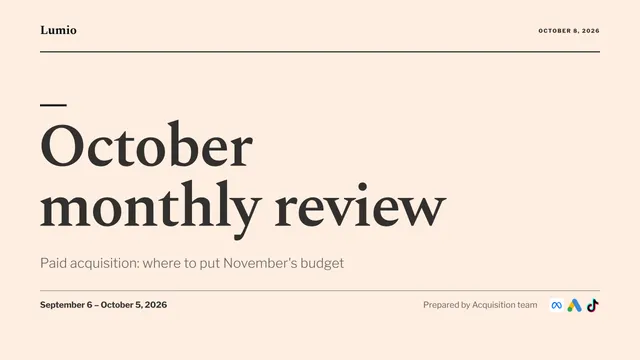
Baromètre
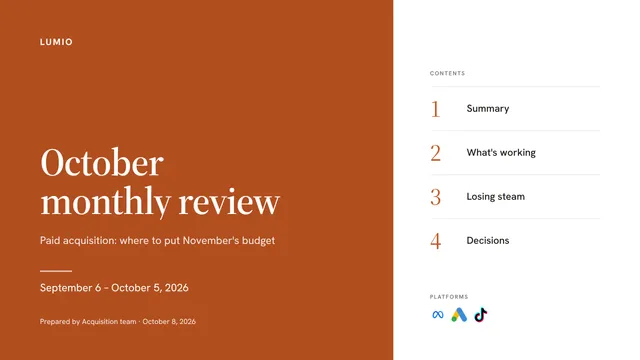
Rapport
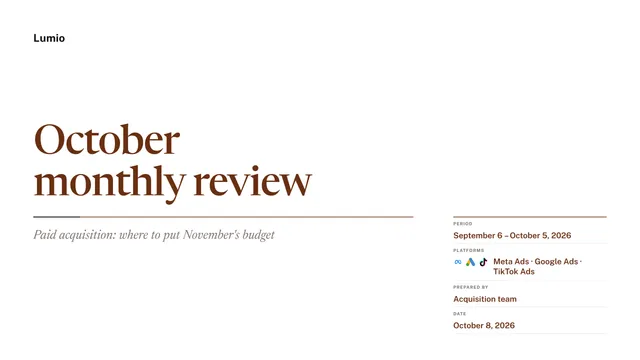
Conseil

Écrin
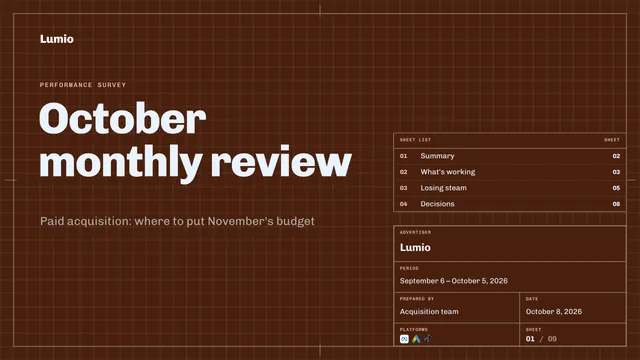
Épure
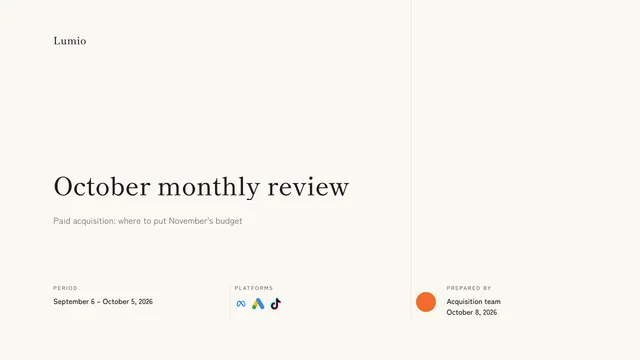
Haïku

Affiche Ultramarine
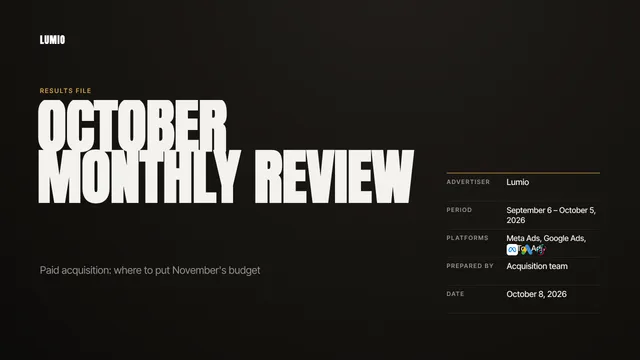
Palmarès Gold
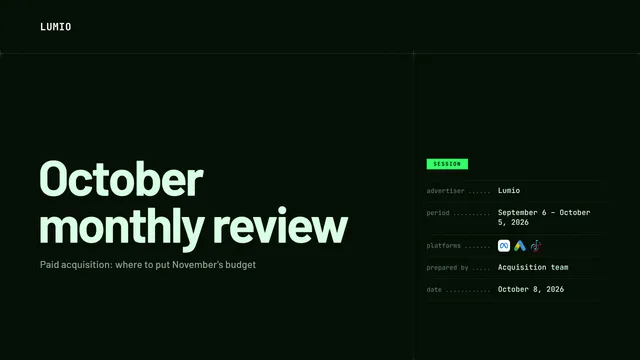
Console Phosphor
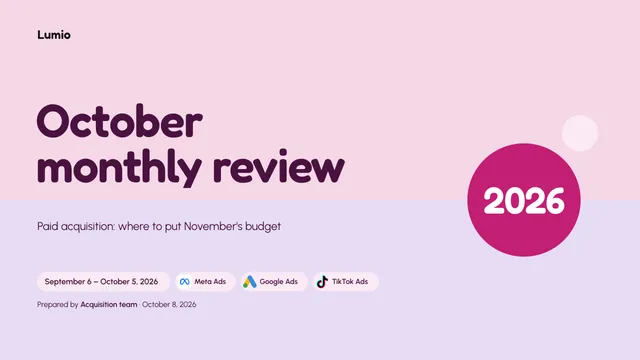
Pop Bubblegum
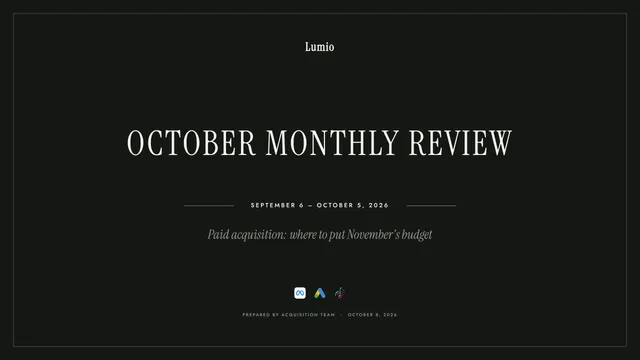
Jewel Box Deco

Atelier Memphis
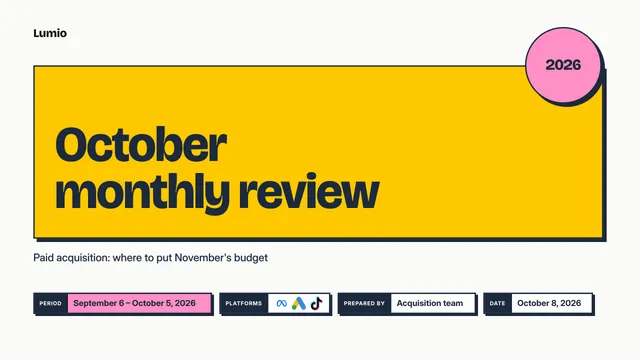
Brutal Sun
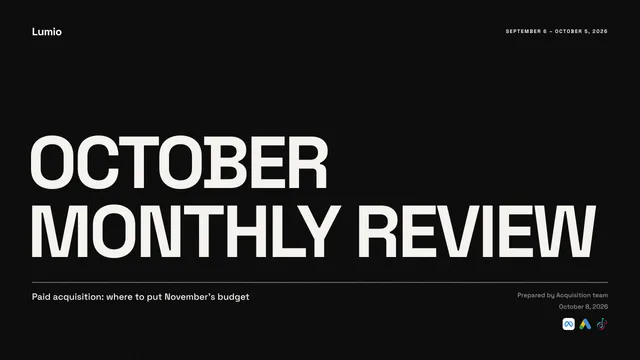
Manifesto Yellow
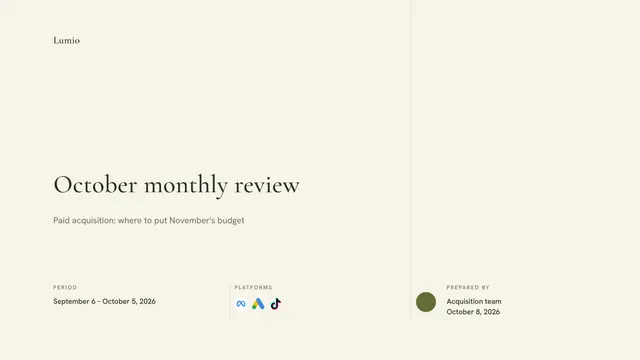
Haiku Matcha
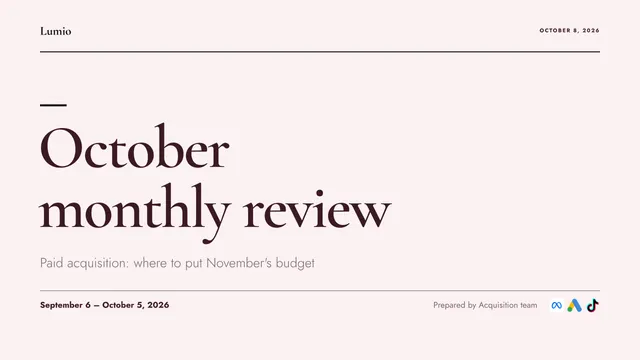
Barometer Raspberry
You ask in the chat. Pilot writes the deck.
Nothing to fill in. Pilot reads your accounts, builds the story and delivers it in the conversation, ready to open or present. Allow a few minutes.
Reading your Meta, Google Ads and TikTok data
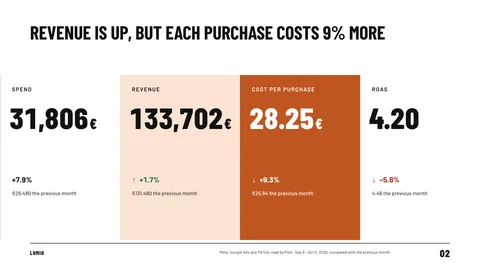
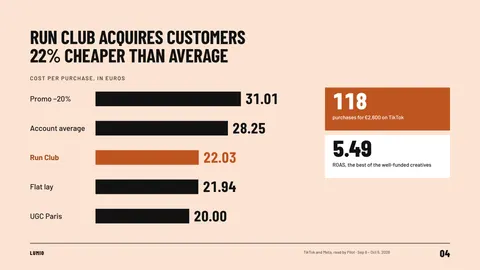
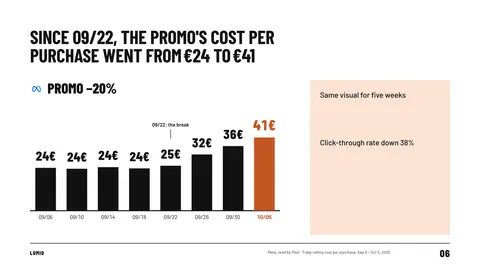
October monthly review
Presentation · 9 slides
- A story in chaptersUsually six to twelve slides, each chapter opening with a full-bleed slide in the brand color.
- Titles that make a pointA verb, and the number when there is one: “Run Club acquires customers 22% cheaper than average.”
- Decisions to makeThe deck ends on the decisions it recommends, then the next steps.
- Your notes, already writtenSpeaker notes on every slide, which the client doesn't see.
Every number comes from your accounts, and says so
Pilot reads your accounts' numbers when you ask, or picks up a dashboard or a report you mention with “@”. Charts and tables stay editable: their numbers are changed in the editor's Data sheet, and they stay native once exported to PowerPoint or Google Slides.
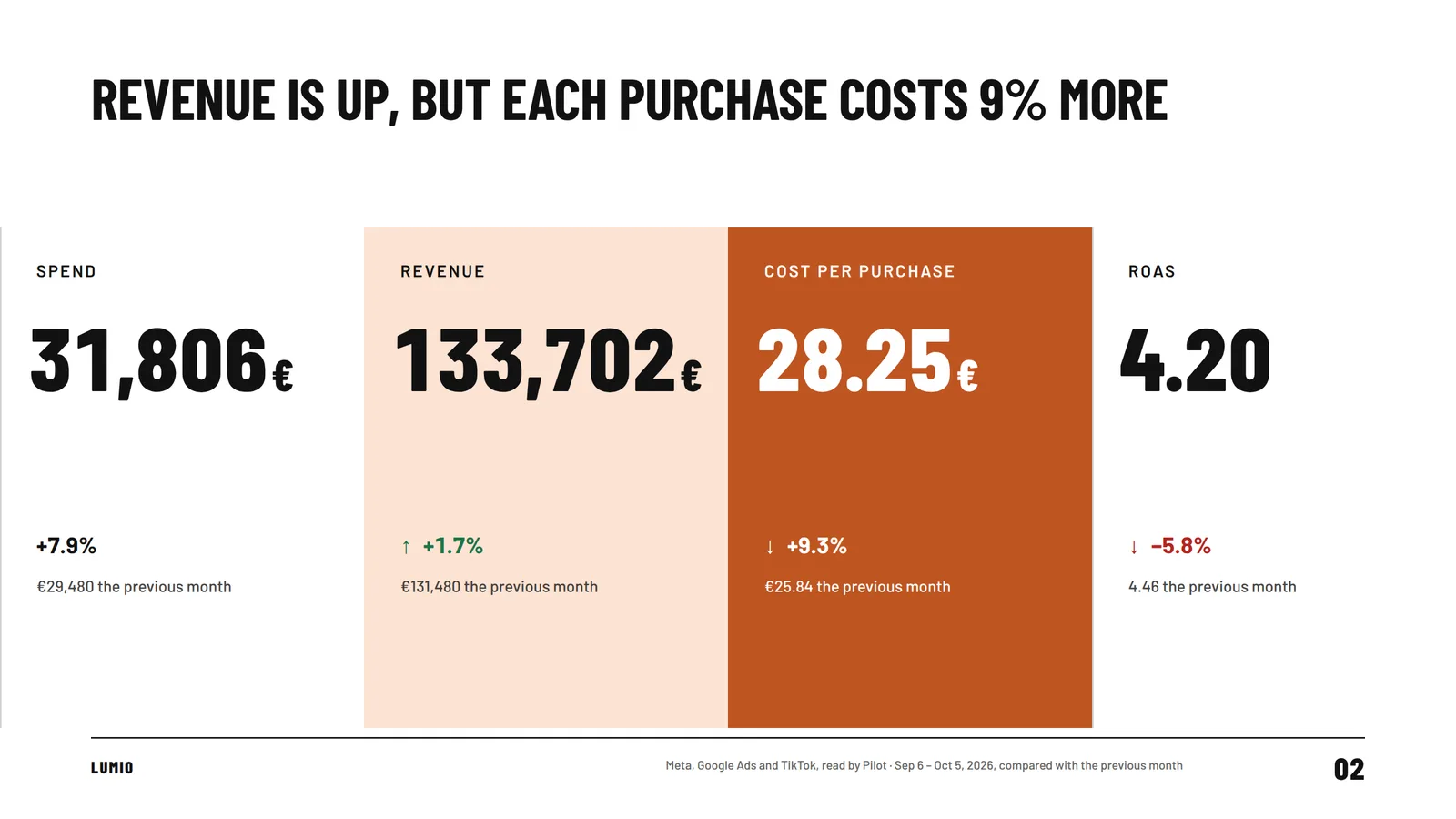
- The source in the footerEvery chart and every table carries its own. Without it, Pilot doesn't deliver the deck.
- Nothing made upA number is missing? Pilot marks it “to be completed” instead of guessing it, and reminds you before you present.
- Changes you can readThe arrow tells the direction: ↑ when the change works for you, ↓ when it costs you. A rising cost per purchase gets the ↓ arrow, even with a plus sign.
The deck is yours, down to the last word
The editor opens on the whole story, chapter by chapter. Open a slide to edit it: everything saves as you go.
October monthly review
9 slides · Saved
- Camille Roy
- Hugo Lambert
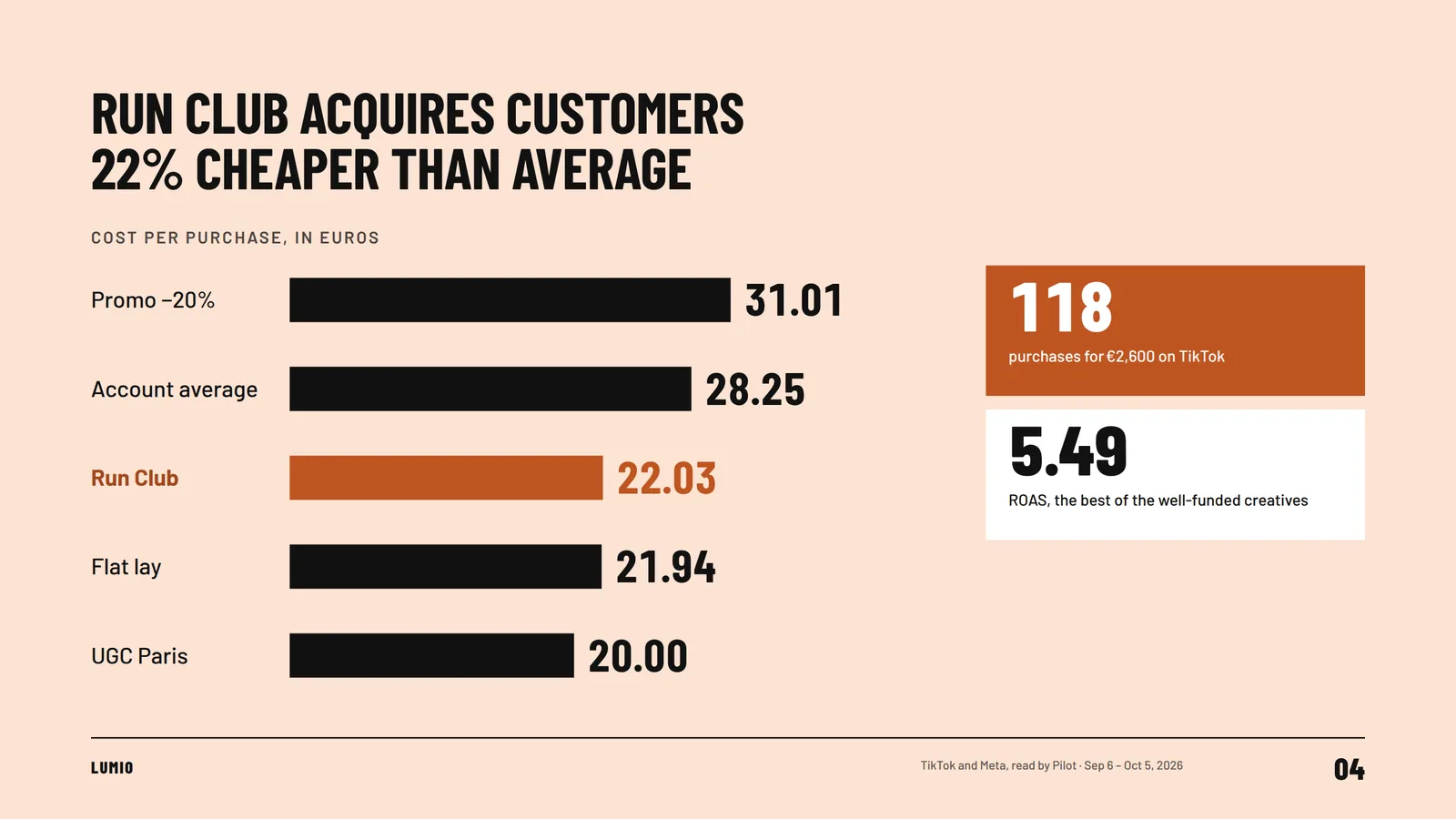
- One click to typeClick a text and type right there: titles, numbers, bullets.
- InsertA new slide from twelve types (numbers, chart, ranking, table, decisions…), already in the template's style.
- Chart dataIn the Data sheet, change a value: the chart follows.
- VariantsOn a slide or a title, Pilot suggests several variants, without a single new number. You keep the one you like.
- Together, liveSeveral people in the workspace edit together: every change shows up for the others.
- Undo, versionsUndo and redo from the keyboard, plus a version history: restoring creates a new version, so nothing is lost.
To ask Pilot for an edit, write it under the slide: it opens in the presentation's conversation, you send it, and the new version comes back to the editor, highlighted in purple, for you to review before keeping it.
9:00 AM, the meeting begins. You hit Present.
One click on “Present” and the presentation goes full screen. The arrow keys move through the slides, and Esc brings you back.
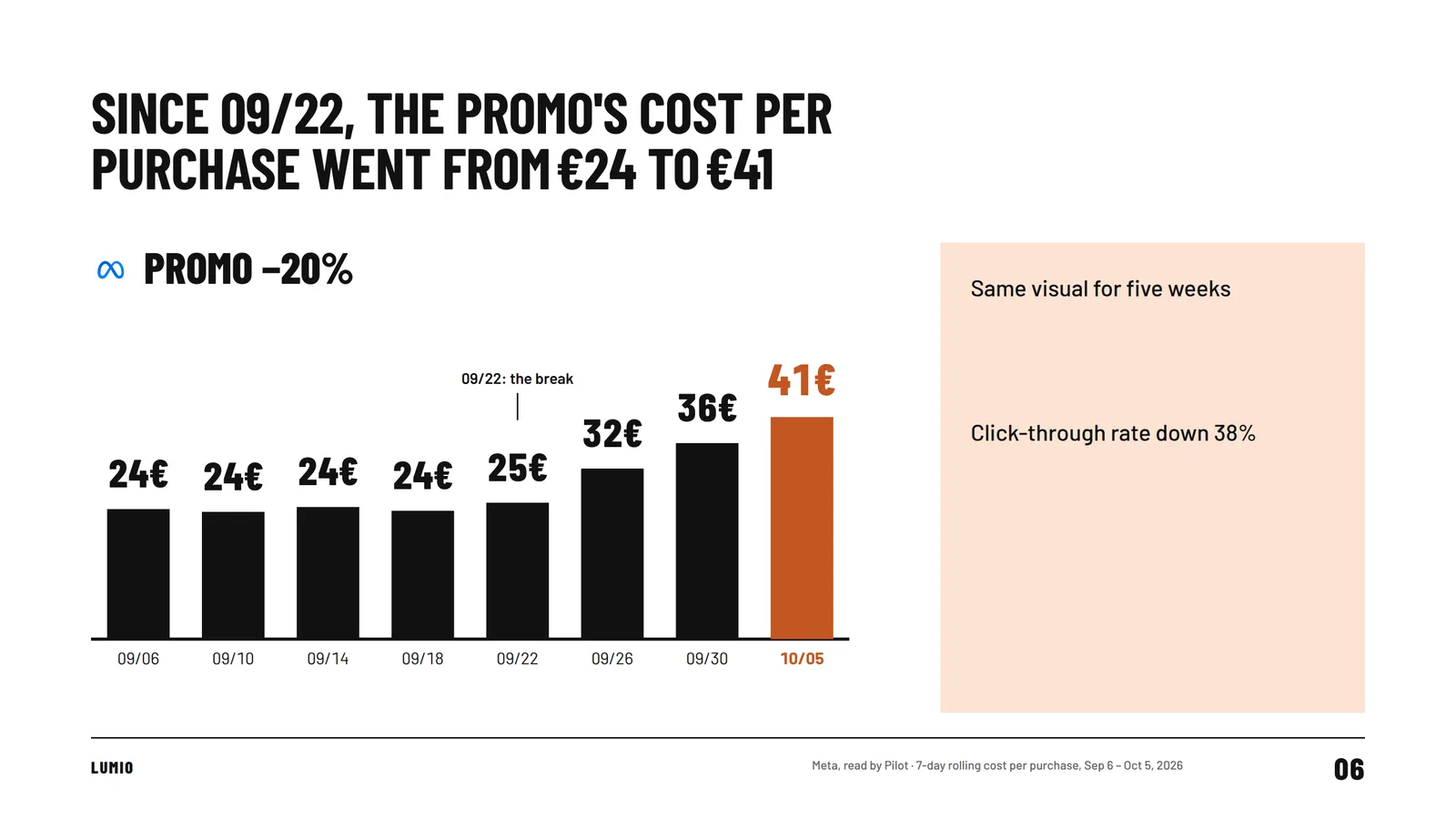
- Presenter viewYour notes, the next slide and the elapsed time, on your side of the screen.
- Notes apartIn a separate window that the room or the video call doesn't see.
- From the chatThe card's “Present” button starts the presentation directly.
- In the client's colorsLogo, palette and fonts from the workspace brand.
The file your client expects
Three outputs in the “Export” menu, to send, archive or rework elsewhere.
October monthly review
9 slides · Saved
PDF
PowerPoint
Google Slides
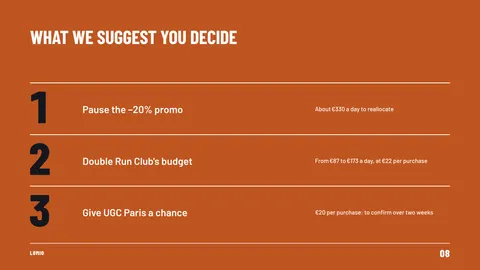


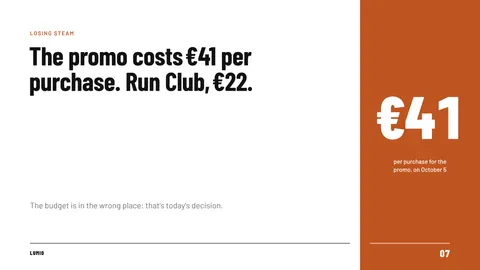

- PDFOne page per slide, to send to the client
- PowerPoint (.pptx)Native texts, shapes and charts, embedded fonts
- Open in Google SlidesAn editable presentation, created in your Google Drive
- PDFOne page per slide, to send to the client. The deck opens in your browser's print window: save it as a PDF.
- PowerPointNative texts, shapes and charts, with embedded fonts. The speaker notes are in the file.
- Google SlidesPilot creates the presentation in your Google Drive, editable, with the chart data in Google Sheets.
Or a link: “Share” gives access to the presentation; the person can read it, present it and export it, without your speaker notes.
Before the next meeting
Allow a few minutes: Pilot reads your accounts, writes the story and checks the deck before delivering it in the conversation.
From your connected accounts, read by Pilot when you ask, or from a dashboard or a report you mention with “@”. Every chart and every table carries its source. When a number is missing, Pilot marks it as to be completed instead of making it up.
Yes. The PowerPoint file keeps native texts, shapes and charts, with embedded fonts and speaker notes. For Google Slides, Pilot creates the presentation directly in your Google Drive, with the chart data in Google Sheets.
94: fifteen families (Affiche, Palmarès, Une, Manifeste, Pop, Brut…) and their color and font variations, sorted by mood. Changing templates never touches the content.
No. Speaker notes stay in your workspace. A shared link lets someone read, present and export the presentation, without the notes.
Yes: they take the logo, palette and fonts set for the workspace in Strategy > Brand, whatever template you pick. Your agency template can be imported too, from PowerPoint or Google Slides.
Not yet: a slide holds text, numbers, charts, tables, and the logos of the brand and the ad platforms.
A base plan of €225 per month excluding VAT, with one ad account included, then a price per account that goes down with volume. Presentations aren't charged separately. The details are on the Pricing page.
Thursday's meeting? The slides are ready.
With the 7-day free trial, no credit card required, connect your ad accounts, then write in the chat: “Make the monthly review slides.” A few minutes later, the deck is in the conversation: open it, edit a title, present.
The demo uses a fictional brand, Lumio Sneakers: its numbers are made up, and its slides are rendered by Pilot, with its presentation engine.
Pilot's other features
Each of Pilot's many features comes with its own video, demo and detailed explanation.
- Proposals/propositionsWhat Pilot found in your accounts overnight, ready to approve.Waste3 keywords spend without converting€150 / wkDriftAn active campaign has stopped spendingSee the page
- Slack and Google Chat/slack-google-chatPilot in Slack and Google Chat.CCamille@pilot Review my campaigns over the last 7 days.PilotOver 7 days: €5,480 spent, 181 purchases, €30.28 per purchase.See the page
- Creatives/creas
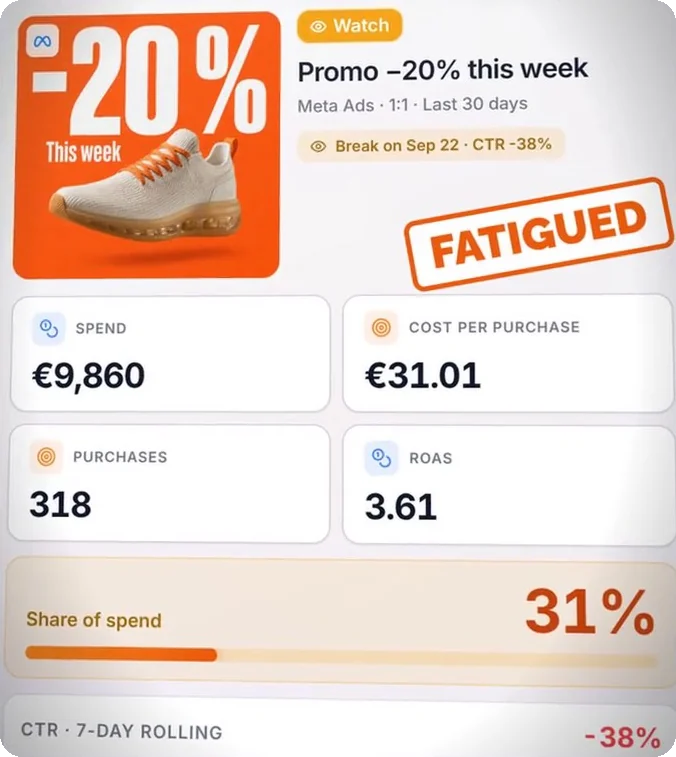 Every creative put through its paces, before you decide.See the page